Lattice
Every stem placed by where its sound sits, left to right, and how loud it is, bottom to top. Drag a node up or down for level, sideways for tone.
A stem mixer for iPhone
AB:X is a stem mixer for iPhone. Change your mix in the car while it plays, then export notes for your DAW.
Explore the app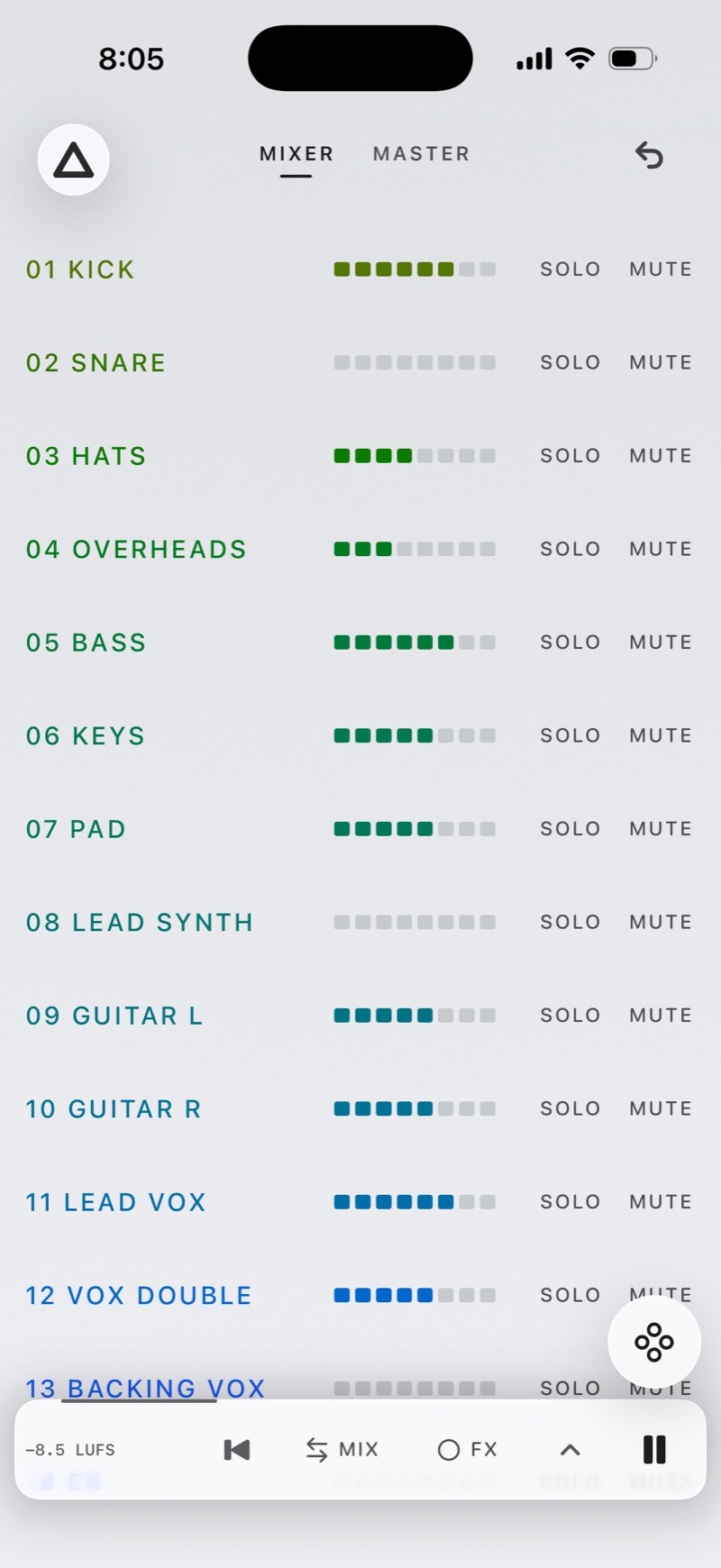
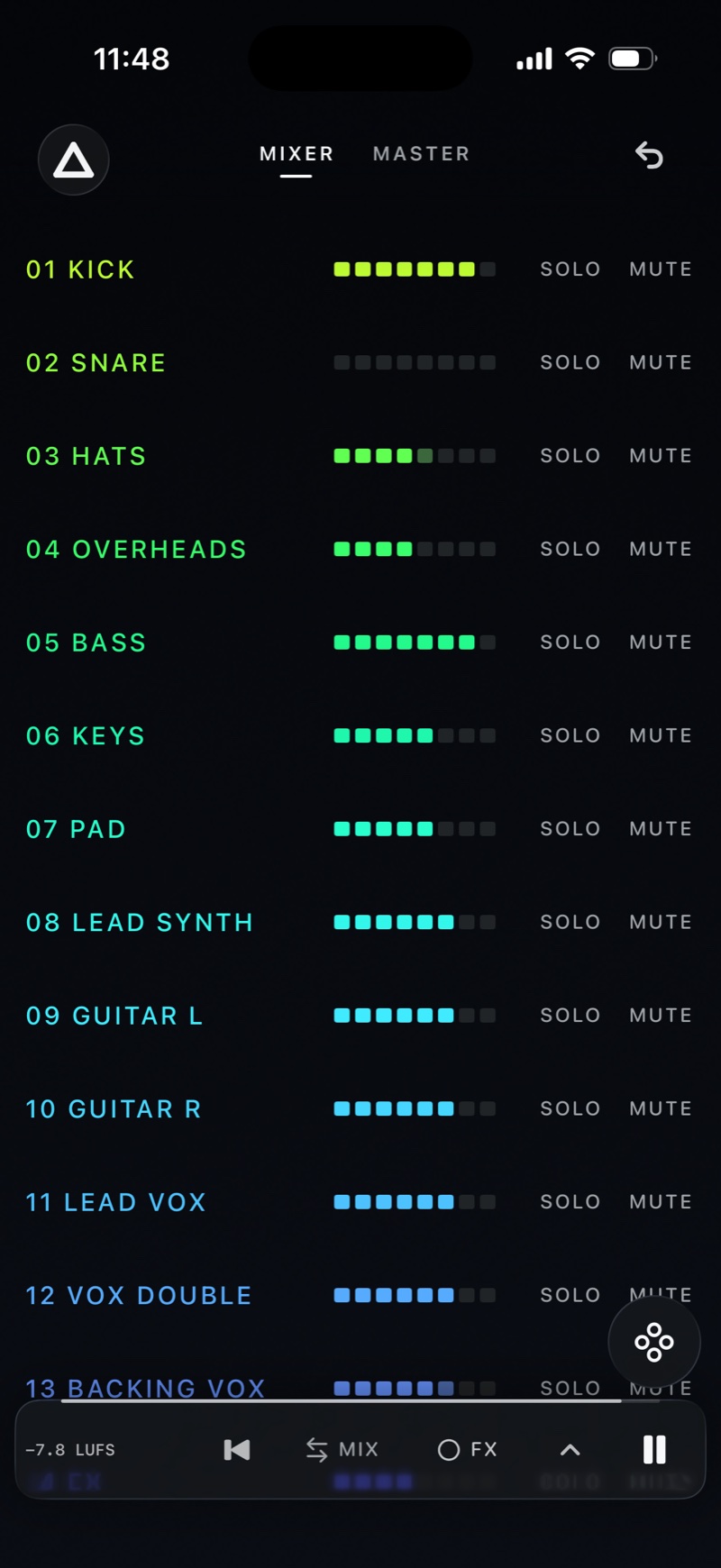
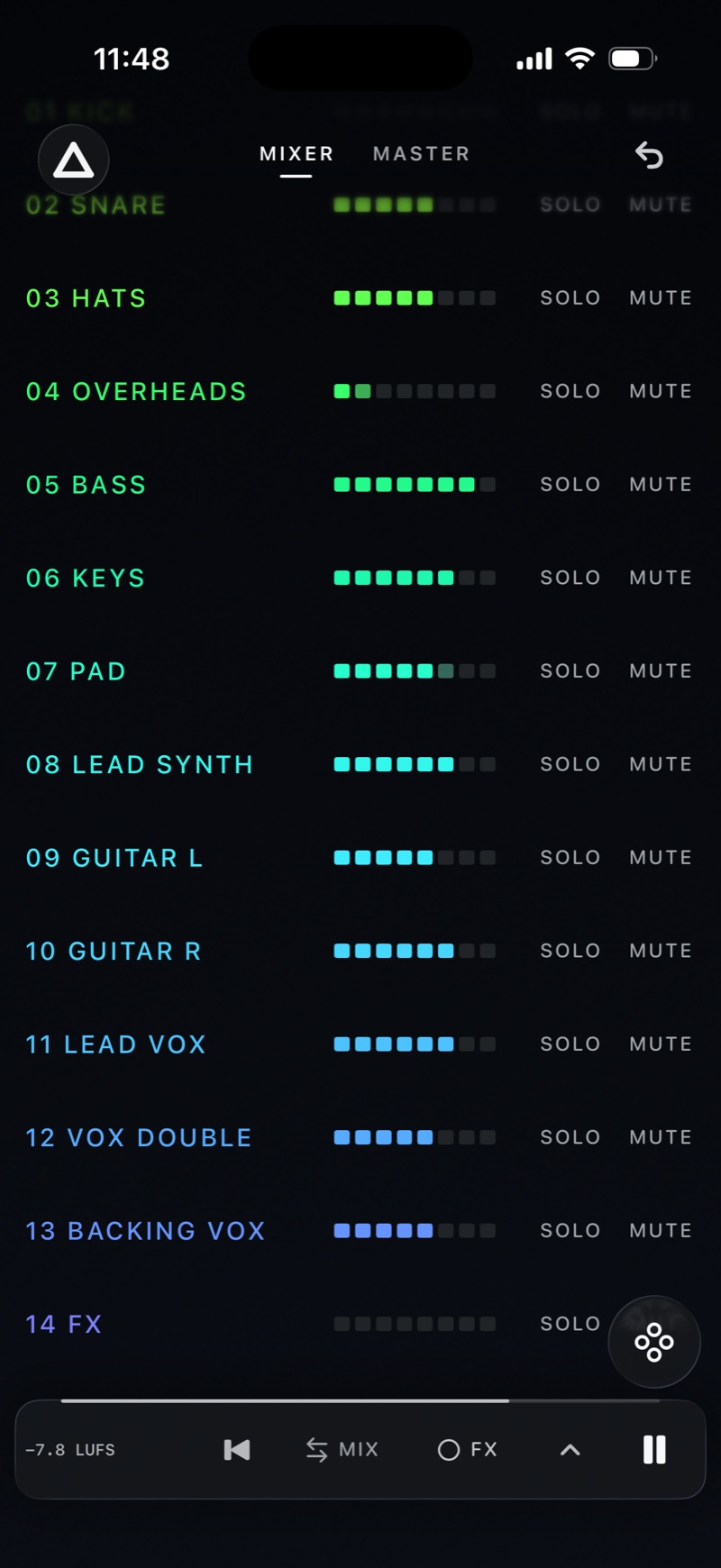
AB:X lets you change01 the balance while the whole mix plays, shape02 every stem with its own EQ, compare03 with a reference without a gap, and take04 your changes back to your DAW.
01Stem balance
Bring your stems from your DAW. Adjust each level while the whole mix plays, or use solo and mute to hear one part.
Flip EDIT to BASE to hear the mix before your changes. Playback keeps going.
On every stem
02Per-stem EQ
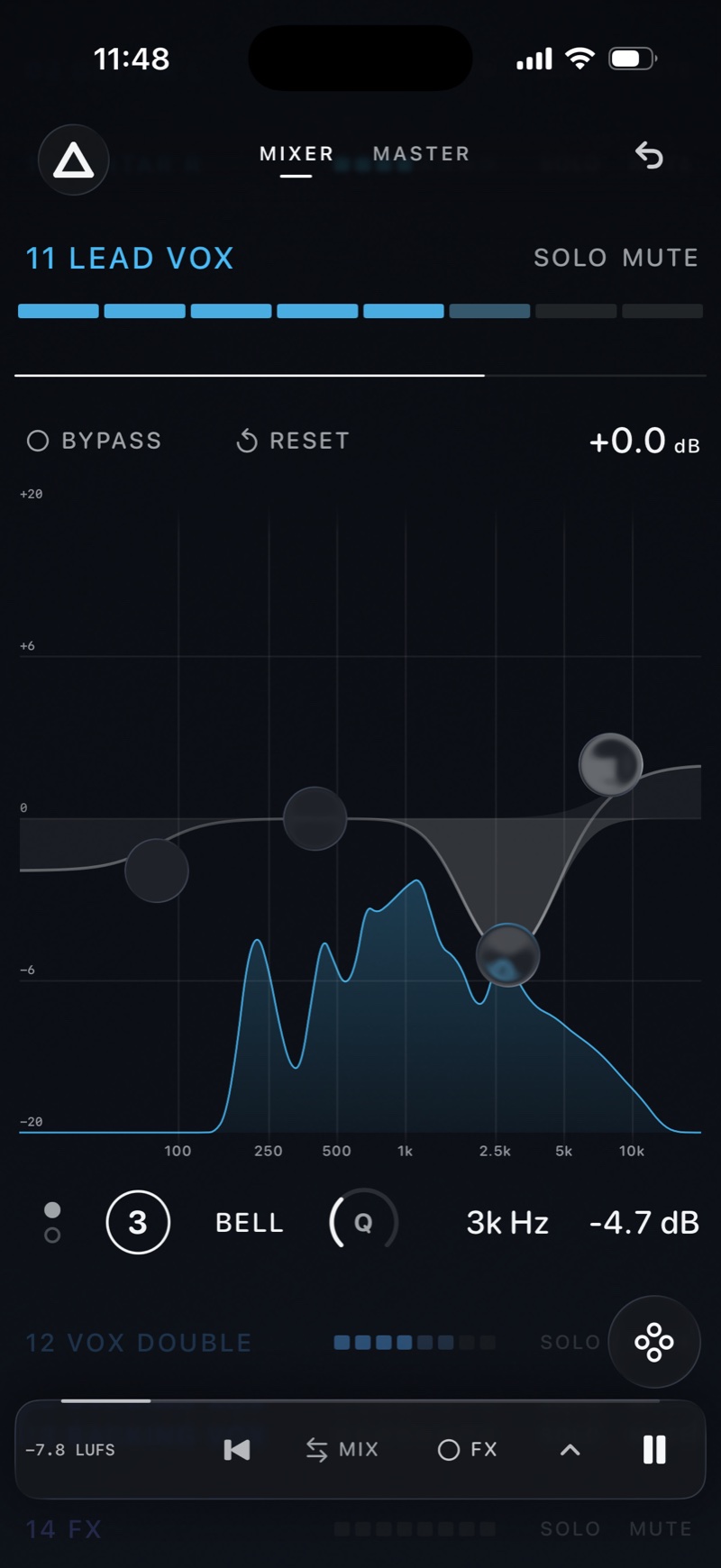
Open a stem and move its bands directly on the graph, over the stem’s own spectrum. Four bands on every stem, each with frequency, gain and Q.
BYPASS takes the change out while the mix keeps playing.

The stemIts name, level meter, SOLO and MUTE stay on top while you edit.

Bypass and resetTake the EQ out to hear the difference, or return every band to flat.
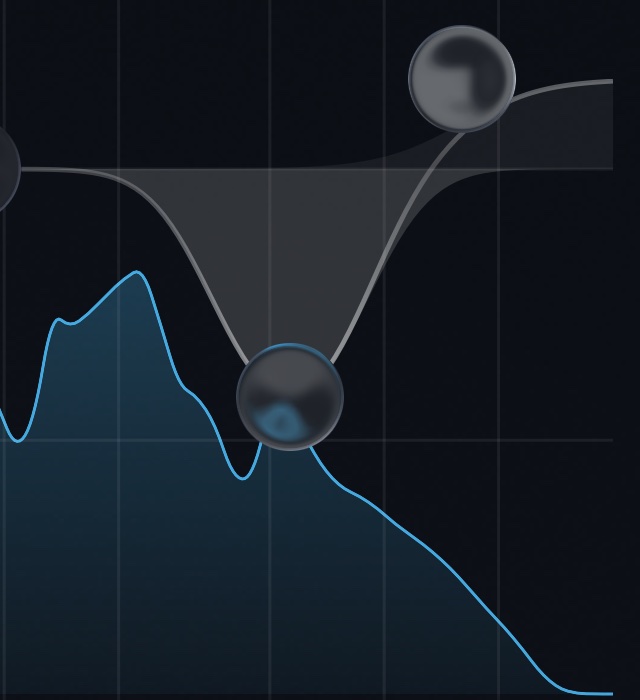
On the graphBand 3 cuts 4.7 dB at 3 kHz, drawn over the vocal’s own spectrum.

The bandNumber, shape, Q, frequency and gain of the band under your finger.
03References & versions
Line up the choruses, then switch MIX to REF without a gap. Or load finished mixes into Test and compare them without their names.
04Audio & mix notes
Export the whole mix or one loop as 24-bit WAV or AAC, with a text file of your fader moves and EQ settings.
Changes Only lists what you moved. Full Settings lists every control. Use the notes to recreate the changes in your DAW.
AB:X Mix Notes
Audio File: Night Drive v7.wav
Stem Input Gain: +0.0 dB
Master EQ: Bypassed
Master Limiter Input: +0.0 dB
Master Limiter Ceiling: -1.0 dBFS
Limiter Unity Gain: Off
Output Gain: +0.0 dB
Export Range: 0:00–3:42

[Kick]
- Volume: +1.5 dB

[Snare]
- No changes

[Lead Vox]
- Volume: +1.0 dB
- EQ Band 1 (Low Shelf): -2.5 dB, 150 Hz
- EQ Band 3 (Bell): -4.7 dB, 3000 Hz, Q 1.40
- EQ Band 4 (High Shelf): +2.0 dB, 9000 Hz

[FX]
- Muted: On (not included in audio export)
Under the hood
Your edit and its base render side by side through the same master chain. EDIT to BASE is a 24 ms crossfade between two mixes that are already running, not a restart. The reference joins after the master chain.
Every stem placed by where its sound sits, left to right, and how loud it is, bottom to top. Drag a node up or down for level, sideways for tone.
Draw the line the Master EQ would need to follow your reference’s tone, then match 30, 60 or 100%.
Loop a passage of the mix, and of each reference, separately.
12
Name a mix state and keep changing. Restore it within the same project.
Audio and every setting kept together. Autosaves after the first named save.
Keep listening with the screen locked, from the lock screen or AirPods.
Every change is one step, including a move on the Lattice.
Load four sample stems and try the mixer before importing your own.
In numbers.
A few practical details
Export them from the same start point, including any leading silence, then choose a folder or select files in AB:X. It starts the files together; it does not align them for you. For cloud storage, selecting files is more reliable than importing a folder.
No. Use your DAW to record and arrange, then bring stems into AB:X to try changes to the mix.
Export a 24-bit WAV or AAC mix with optional text notes of your settings and changes. Use the notes to recreate adjustments in your DAW; they do not update the DAW session automatically.
iPhone running iOS 17 or later.
Coming to iPhone · December 2026